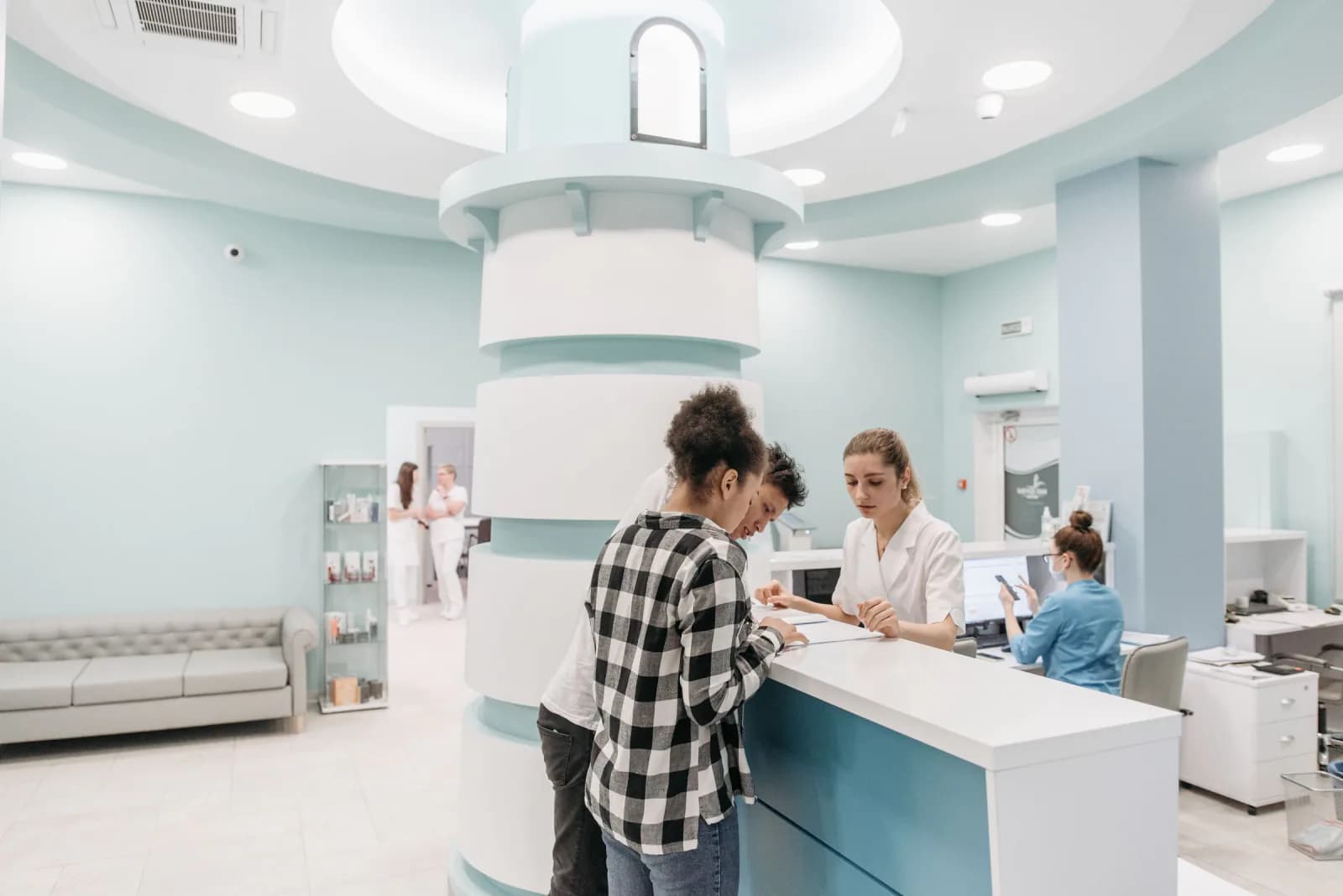
How can online booking and walk-in patients share one queue?
Both types of patient should become entries in the same list per doctor or per room, so staff never manage two queues by hand.
A booked patient gets a slot in the day's order, and a walk-in is registered at the desk and slotted in around the bookings.
Decide a few rules early:
- How long a booked patient is held after the slot time before they lose priority
- Whether elderly patients, pregnant patients or emergencies go first
- How many walk-ins you accept per doctor each session
- What happens when a patient arrives early or very late
- Who may reorder the queue, and whether that change is recorded
What do the waiting-room screen and the front desk need?
The waiting room needs a large, readable screen showing the number being called and the room, and the front desk needs a fast tool for registering and calling patients.
For the screen, a TV or a Windows monitor is usually enough. A voice call helps patients who are looking at their phones.
Is the internet reliable, and what should still work if it drops for an hour? A queue that freezes in a busy session is worse than paper. Decide early if a thermal printer will print tickets for walk-ins.
How do WhatsApp reminders and doctor schedules fit in?
Most patients in Indonesia already use WhatsApp, so reminders and status updates sent there get seen more reliably than a separate app notification.
Typical messages are a booking confirmation, a reminder, a note that the queue is close, and a schedule change. Check how messages are sent and what each costs, since that is a running cost, not part of the build.
Doctor schedules and practice hours should live in one place that both booking and the queue read from. When a doctor is on leave or a session runs late, the change should reach patients without staff phoning each one.
How should patient data be protected?
Show each person only the data their job needs, and keep a record of who opened what. Health information is sensitive, so this is a design decision from day one.
A front desk officer needs name, contact and appointment details, but usually not the doctor's notes. A doctor needs the clinical record of their own patients. The waiting-room screen should show a queue number or initials, never a full name or diagnosis.
Indonesia has a personal data protection law (UU PDP), and clinics handle exactly the kind of data it is concerned with. Without turning this into legal advice: collect only what you need, tell patients what you keep, protect logins, and ask a qualified adviser about your own obligations. Plan for removing access quickly when staff leave.
Do you need to connect to existing clinic systems?
Possibly, and it is worth checking early because it can change the scope more than any screen design.
If your clinic already uses a registration or medical records system, a hospital information system (SIMRS), or has to work with BPJS processes, the new queue app may need to exchange data with it. Whether that is possible, and how, depends on the systems involved and on what their providers allow.
Ask the provider of each system what access they offer, then tell your developer before the scope is written. A standalone queue app is much quicker to build.
Should a clinic choose a ready-made or a custom queue app?
A ready-made app is the better choice when your clinic works in a fairly standard way. A custom app makes sense when your flow, devices or existing systems do not fit.
Ready-made options start quickly, but you adapt your clinic to the software and fees continue monthly. Custom work takes longer upfront, but it can match a dentist's multi-room flow, a lab's sample numbering or a group of practices sharing one system.
A fair test is to trial a ready-made app first with real patients for a few weeks. The limits you keep hitting become the brief for a custom build.
Checklist
Checklist before you brief a developer
- Describe today's flow from arrival to leaving, including where it jams
- List your doctors, rooms and practice hours, with leave and holiday rules
- Agree the queue rules for booked patients, walk-ins and priority cases
- Decide what the waiting-room screen may show and what it must hide
- Choose the devices: desk tablet or PC, TV, and ticket printer
- List who on your team should see which patient data
- Note every system the app might need to work with, and ask its provider early
- Decide which WhatsApp messages you want and who pays for them
- Write down what must still work when the internet drops
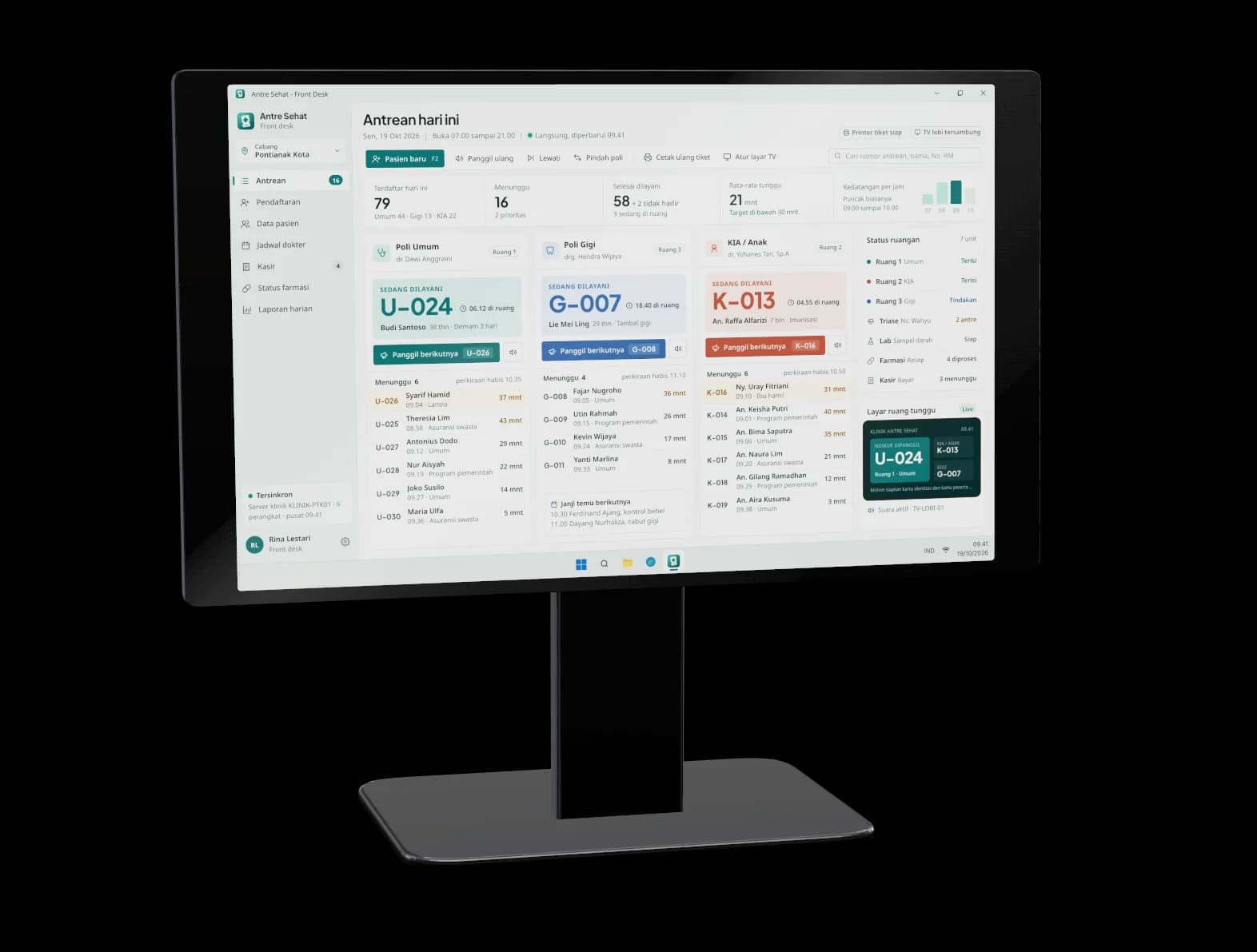

Try the demo
See it working before you brief us
Antre Sehat. Open Antre Sehat, a demo we built, and look at the queue board, the registration form and the waiting-room display to see how one clinic flow can fit together. It is a concept made by Wailo, not a client project.
Quick questions
Can a small clinic or a single dentist use a queue app?
Yes. A small practice with one or two rooms often benefits the most, because one person is usually handling the phone, the desk and the queue.
Do patients have to install an app to book?
Not necessarily. Booking can run through a web page or a WhatsApp conversation, so patients do not need to download anything. A separate app only makes sense if you want patients to return to it often.
How long does it take to build a custom clinic queue app?
We ship apps in weeks. A simple queue app is working in 1 to 2 weeks and live in 3 to 4 weeks. A clinic system with many integrations is a complex app: a working prototype in 3 to 4 weeks, then phased releases on a timeline written into the scope, with a demo every week.