Who needs their own courier app?
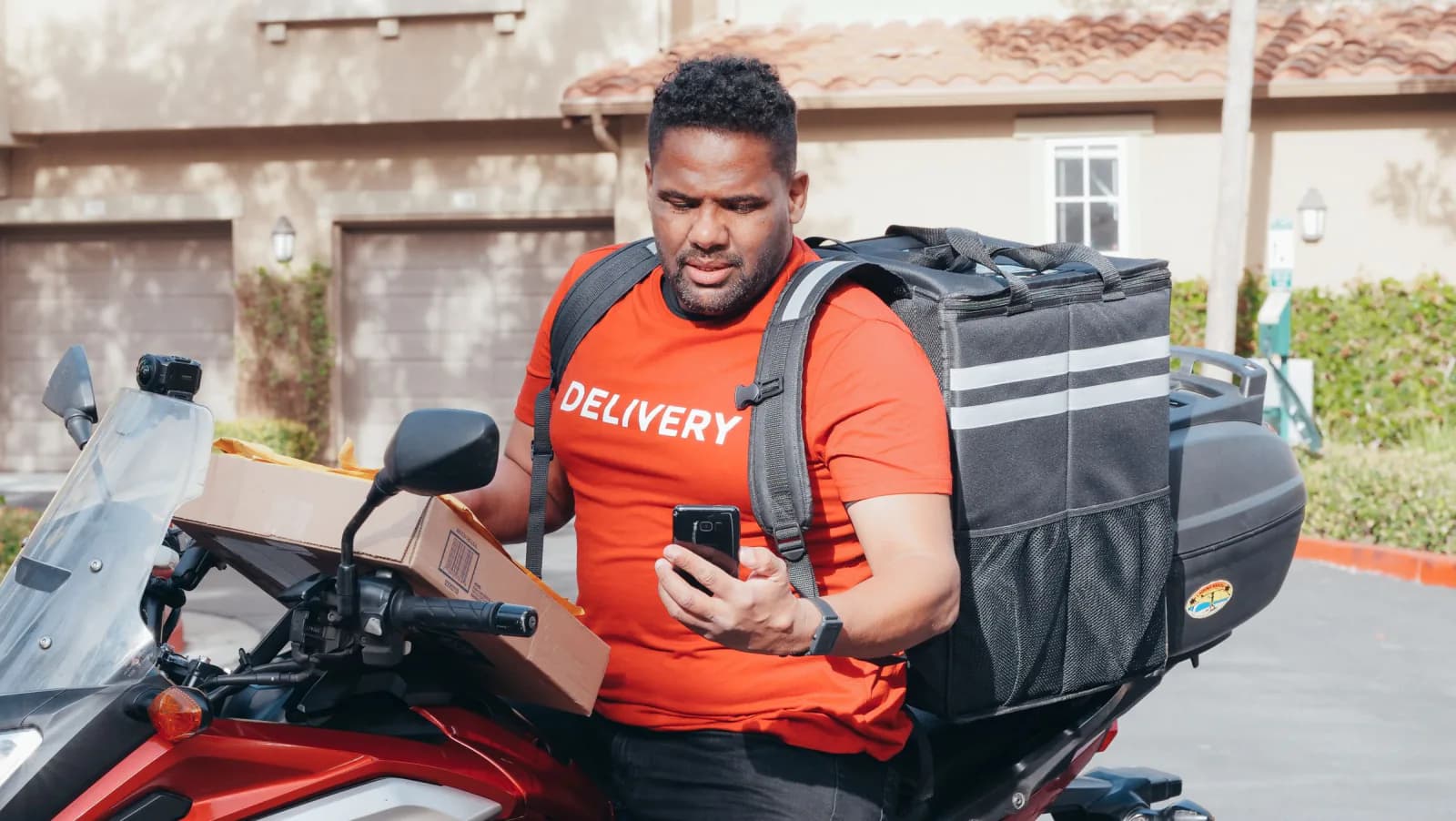
Any business that delivers with its own riders and has outgrown the WhatsApp group. Typical cases are a shop with motorbike riders, a distributor, a laundry, a caterer and a small regional logistics company.
The signs are familiar: addresses sent as photos, proof of delivery lost in someone's gallery, cash from COD that does not match at the end of the day, and customers calling to ask where their parcel is. An app replaces that chat with one list of jobs and one record per delivery.
What are the two sides of a delivery app?
A delivery system is two apps that share one set of data: the rider app and the dispatcher dashboard. The rider app runs on Android, because that is the phone most riders already carry. The dashboard runs in a web browser, so nothing needs installing in the office.
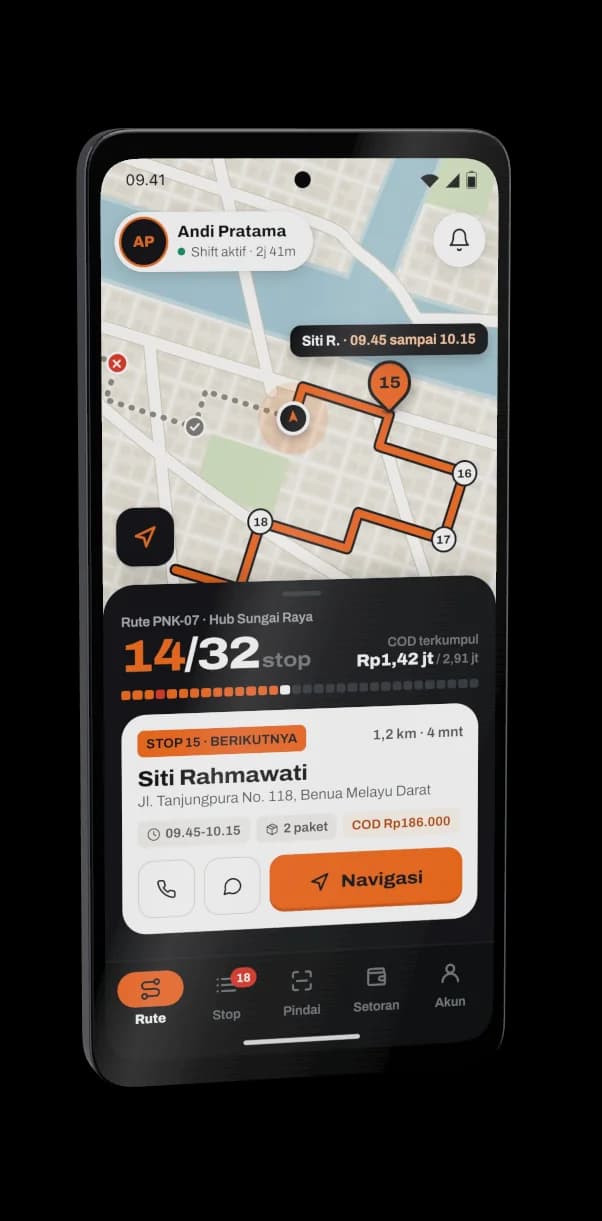
The rider sees a short, clear screen: today's jobs in order, one button for the next action, and large text that is readable in sunlight. The dispatcher sees every job, every rider and every exception.
How do you assign jobs and see where riders are?
The dispatcher assigns each job to a rider from the dashboard, and the job appears on the rider's phone straight away. Routes can be set by hand, or suggested by a route service that orders the stops sensibly. For a small fleet, a manual order with a map view is often enough.
Live location and status make the dashboard useful during the day. Each job moves through simple states, and the dispatcher can see them at a glance:
- Assigned
- Picked up
- On the way
- Delivered or failed, with a reason
- Returned to the hub
Failed deliveries need a reason, such as recipient not home or wrong address.
How do proof of delivery and COD reconciliation work?
At the door the rider takes a photo, records the recipient's name and, if you want it, a signature, and the app attaches the time and location. That record stays with the job, so a dispute is settled by looking at it.
For cash on delivery (COD), the rider enters the amount collected on each job. At the end of the day the app totals what each rider should hand over and compares it with the cash counted at the hub.
- Amount expected per rider
- Amount actually handed over
- Difference, shown job by job
- Reason for any returned parcel
The difference is visible the same day, while the riders still remember what happened.
Can customers track their order through WhatsApp?
Yes. Each job can generate a tracking link that you send to the customer on WhatsApp, either by the dispatcher or automatically when the job is assigned. The link opens a simple page showing the status and, when the rider is on the way, their position.
This removes most of the calls asking where the parcel is. Customers already live in WhatsApp, so a link there is far easier than a new app to install.
Will it work with weak signal and cheap phones?
It should, if it is designed for that from the start. A good rider app stores each photo, signature and payment on the phone first and sends it when the connection returns, so nothing is lost on a rural road.
Battery matters just as much. Location updates every few seconds drain a cheap phone, so the app should send positions at a sensible interval and ignore a rider who is standing still. Test on the cheap Android phones your riders actually own.
Maps have a running cost in general. Map displays, address search and route suggestions are usually charged by usage, so a good design keeps map calls to what is needed and puts the map provider behind a layer that can be changed later.
When are third-party couriers enough?
Third-party couriers are enough when you ship occasional parcels to customers across the country and the courier's own tracking number is all you need. A spreadsheet and the courier's tracking page do the job.
Your own app starts to make sense when you control the riders, deliver within a city or region, collect cash, need photo proof, or want to schedule and measure your own deliveries. Many businesses use both: their own riders for local orders and a courier for long distance.
Checklist
Checklist before you brief a developer
- Count how many riders and deliveries you handle on a normal day
- List the steps of one delivery from pickup to handover
- Decide what counts as proof: photo, signature, recipient name
- Write down how COD is collected and settled today
- Note which areas have weak signal along your routes
- Check which Android phones your riders actually use
- Decide what customers should see in the tracking link
- List the failed-delivery reasons you want to record
- Say whether the dispatcher needs to set routes by hand

Try the demo
See it working before you brief us
Kirim Kilat. Open Kirim Kilat to see a rider run, proof of delivery and the dispatcher map side by side. It is a demo we built to explore these ideas, not a client project.
Quick questions
Do riders need to install anything on their phones?
Yes, riders use an Android app that you install once. The dispatcher only needs a web browser, and customers only need to tap a link in WhatsApp.
Can the app work without internet for a while?
It can, if built for it. Proof of delivery and payments are saved on the phone and sent automatically when the signal returns.
Is it better to start small with a delivery app?
Yes. Start with job assignment, status and proof of delivery, then add COD reconciliation, tracking links and route suggestions once the team uses it daily.
Related services
- Custom Business Information System and ERP Development in Pontianak, IndonesiaCustom business information systems and ERP built in phases, replacing spreadsheets and WhatsApp recaps.
- Custom Web Application DevelopmentBrowser-based apps with a database, sign-in and reports that open on any device, live in weeks.
- Android and Mobile App Development in Pontianak, IndonesiaMobile apps on Android, with iOS alongside if you need it, for customers and field teams, released in weeks.